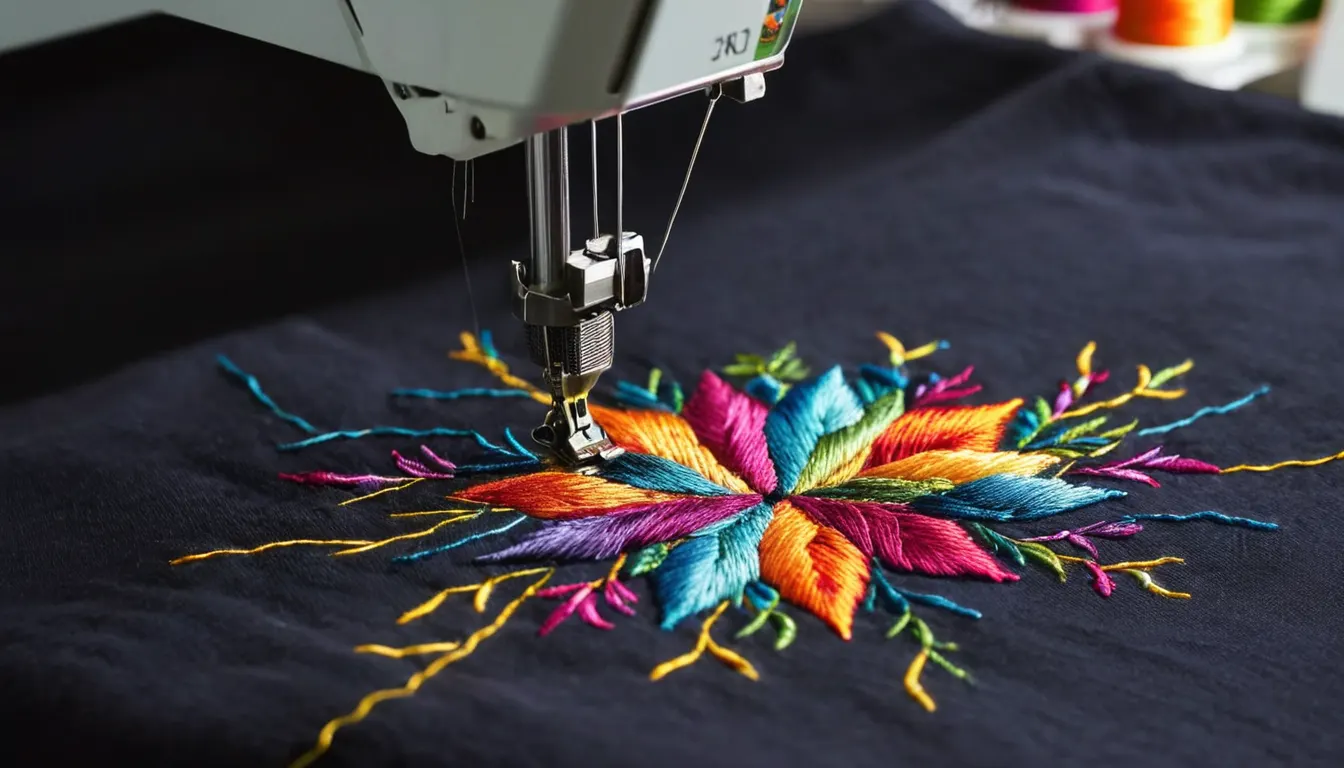
What embroidery digitizing involves
An embroidery machine can't read a logo. It reads a list of stitches: where each needle penetration goes, when to trim, when to stop for a color change. Digitizing turns artwork into that list, and it takes decisions an auto-convert button can't make. Which stitch type suits each shape? How dense should the stitches be, what underlay holds them up, and how much should shapes be exaggerated so the fabric's pull doesn't distort them? A file built for a dress shirt can sew badly on fleece, and a flat design can fail on a structured cap.
Satin, fill and running stitch compared
Nearly every embroidery file mixes these three. If you know them, it's easier to brief a digitizer and to judge a sew-out.
Satin stitch
also called column stitch
- Best for
- Lettering, borders, outlines and narrow shapes
- How it looks
- Smooth and shiny, with long parallel stitches that catch the light
- Watch for
- Columns that are too wide can snag and loosen; too narrow and they disappear. The workable range is commonly treated as a few millimeters either way and depends on fabric and thread.
Fill stitch
also called tatami
- Best for
- Large shapes, backgrounds and solid blocks of color
- How it looks
- Flat, textured surface made of rows of short stitches in a staggered pattern
- Watch for
- High stitch counts add sewing time and stiffness. Fill direction and density need to suit the fabric, or the garment puckers around the design.
Running stitch
also called walk stitch
- Best for
- Fine detail, thin outlines, underlay and travel between objects
- How it looks
- A single line of stitches; a triple or bean run makes the line bolder
- Watch for
- A single run can sink into fleece and textured knits. It is mainly used for detail and structure rather than coverage.
Digitizing and artwork jobs you can send out
Left chest logos and small text
Polos, work shirts and jackets, where the design is small and every letter has to read.
HeadwearCap and 3D puff digitizing
Sequencing for curved cap fronts, and puff files that cover the foam and let it tear away cleanly.
PrintVector redraws and separations
Blurry JPEGs redrawn as clean vector art, with spot color separations for screen printing.
ReferenceDST, PES, EXP and other formats
What each machine format stores, and why the working file matters more than the stitch file.
How an outsourced digitizing order works
- Send the artwork and details. The best artwork you have, finished size, garment or cap type, placement and machine format.
- Get a quote and any questions. Problems such as small text that won't sew at the requested size, or gradients that need simplifying, should come up before work starts.
- Receive the file and a proof. A stitch file in your format, plus a proof sheet with size, stitch count, color sequence and thread colors where the format allows.
- Sew a test. Run it on the same or a similar fabric. If it needs adjusting, send a photo of the sew-out with notes.
- Keep the working file. Ask for the editable file as well, so later changes start from objects rather than stitches.
What embroidery digitizing costs depend on
Digitizing is commonly priced by stitch count, design size or complexity, sometimes with a flat rate for small left chest designs. Finished size and the amount of fill matter most, followed by the number of colors, fine detail and small text, specialty work such as 3D puff or appliqué, the quality of the artwork you send, and how many edits you need. Vector work is usually priced by the time the redraw takes, which depends on how much detail has to be rebuilt by hand.
Send a digitizing order request
Tell us the design size, what it's going on and your machine format. A service partner will reply with questions or a quote. If you're unsure which format to name, check the embroidery file formats guide first.
Embroidery digitizing questions
Can I just auto-digitize the logo in my machine software?
For very simple shapes it can work. Auto-digitizing rarely sets underlay, pull compensation, sequencing and density the way the fabric needs, so anything with small text or fine detail usually sews better from a manually digitized file.
Does a cap need a different file from a shirt?
Usually, yes. Cap files are sequenced from the center out and from the brim up, with underlay chosen for the curve. The cap and 3D puff digitizing page explains why.
What if I only have a blurry JPEG of the logo?
Send it anyway, along with the largest original you can find. It can often be redrawn as vector art first, which gives a better base for the stitch file.
Will I get a proof before I sew?
Ask for one with every file. A proof sheet shows actual size, stitch count, color sequence and thread colors where the format stores them.